
Label Without Hash
10.42€
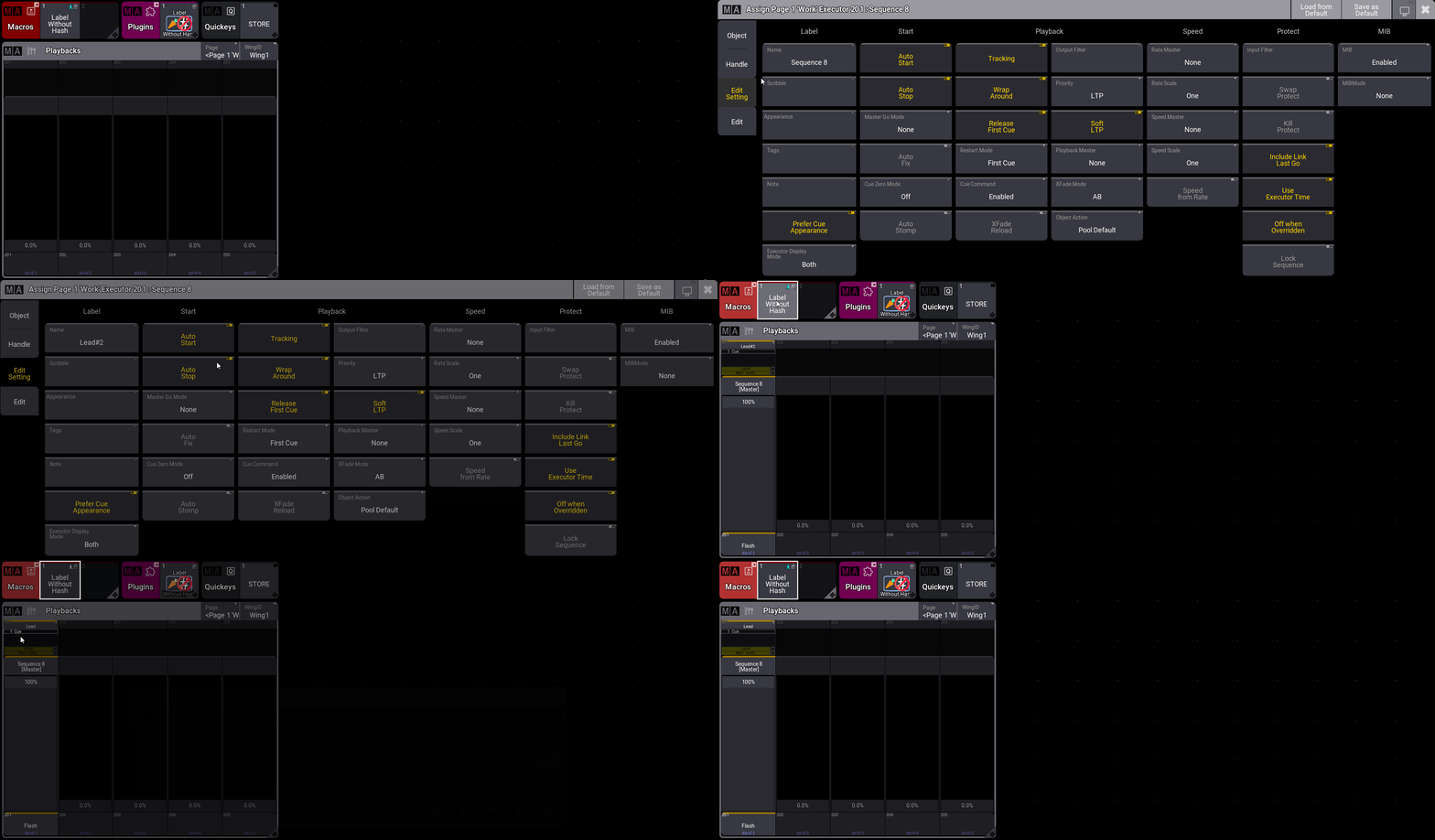
Tired of #2 suffixes in grandMA3? The “Label Without Hash” plugin lets you rename sequences, groups, and presets with duplicate names for a clean showfile.
Say goodbye to “Lead#2”, “Spot#3” and the hash symbols that pollute your show!
Label Without Hash open the ability to have multiple sequences with the same name!
In grandMA3, Labeling an object with an existing name automatically adds a #2 suffix. While this avoids confusion for the system, it can be a nightmare for those who value a clear and well-presented workspace. This plugin is a must-have tool for perfectionists.
⚡ Features:
Two modes: to use the plugin in a mode or another, user the provided macros:

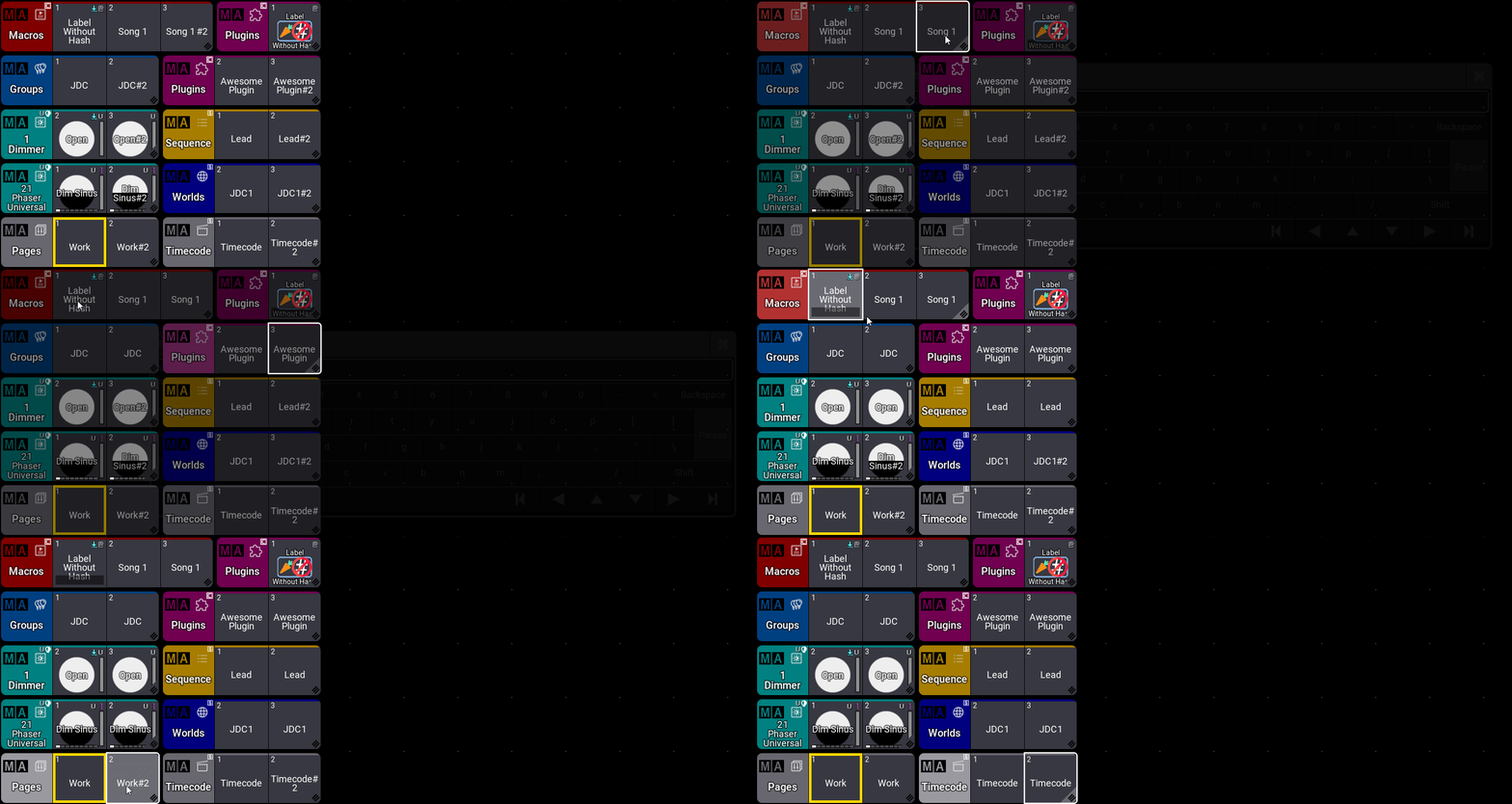
Label Without Spaces
This mode will rename objects with the exact text you set, see limitations below for this mode

Label With Spaces
This mode will add spaces before and after the text you set, so object names remain unique.
This mode will avoid any import/export and dependencies issues.
Seamless Integration: The plugin works as a direct replacement for the standard Label function. Simply use the macro provided to label pool objects or objects assigned to executors.
Automatic Cleanup: When labeling objects with a #2, the plugin automatically remove it to save time
Wide Compatibility: Works on all Data Pool objects that typically enforce the #2 suffix (Groups, Presets, Sequences, Layouts, etc.).
Change your mind: completely oopsable
Multi-Data Pool Support: The plugin can be used to label objects in your current Data Pool or even objects located in a different one
☝️ Limitations for the ‘Label Without Space’ mode
- System Restrictions: Due to grandMA3 system structure, the plugin cannot remove the hash for the following types: Appearances, Datapools, Meshes, Tags, and Users.
- Operation Requirement: The plugin requires at least one Data Pool without an object of the target name, or a free Data Pool slot, to perform its internal operations.
🎫 Licensing
This plugin requires a license activation key, which will be sent to you by email after purchase.
⬆️ Updates
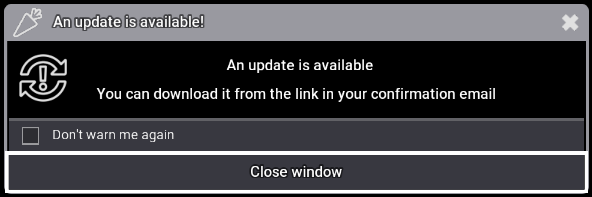
When running on onPC the plugin will check if updates are available and notify you if there are any:
🔧 Uninstall and Cleanup
You can uninstall the plugin with the following command, this will delete all plugin data and licence:
Plugin "Label Without Hash" "Uninstall"If you just need to delete plugin data without unregister the plugin:
Plugin "Label Without Hash" "Cleanup"Version changelog
- 1.1.0.2 :
- Fixed: Objects assigned to executors can’t be labeled on latest software versions.
- 1.1.0.1 :
- Changed: The uninstall and cleanup functions no longer restarts the plugin.
- Fixed: Collection was not closed after selecting an empty pool object
- Fixed: Error when renaming plugin with spaces
- Fixed: Error when renaming presets with spaces
- 1.1.0.0 :
- Added: Compatibility with Lua 5.5
- Added: Cleanup and uninstall functions
- Added: New mode to use the plugin, “LabelWithSpaces” that add spaces before and after the text to keep object names unique
- Changed: Macros to label object for the two modes, the legacy mode “Label Without Spaces” and the new one “Label With Spaces”
- 1.0.0.0 :
- Initial release
Tested Ma versions
- 2.5.1.1
- 2.5.0.3
- 2.4.2.2
- 2.3.2.0
10.42€
You may also like…